Reports Window
Quick article search
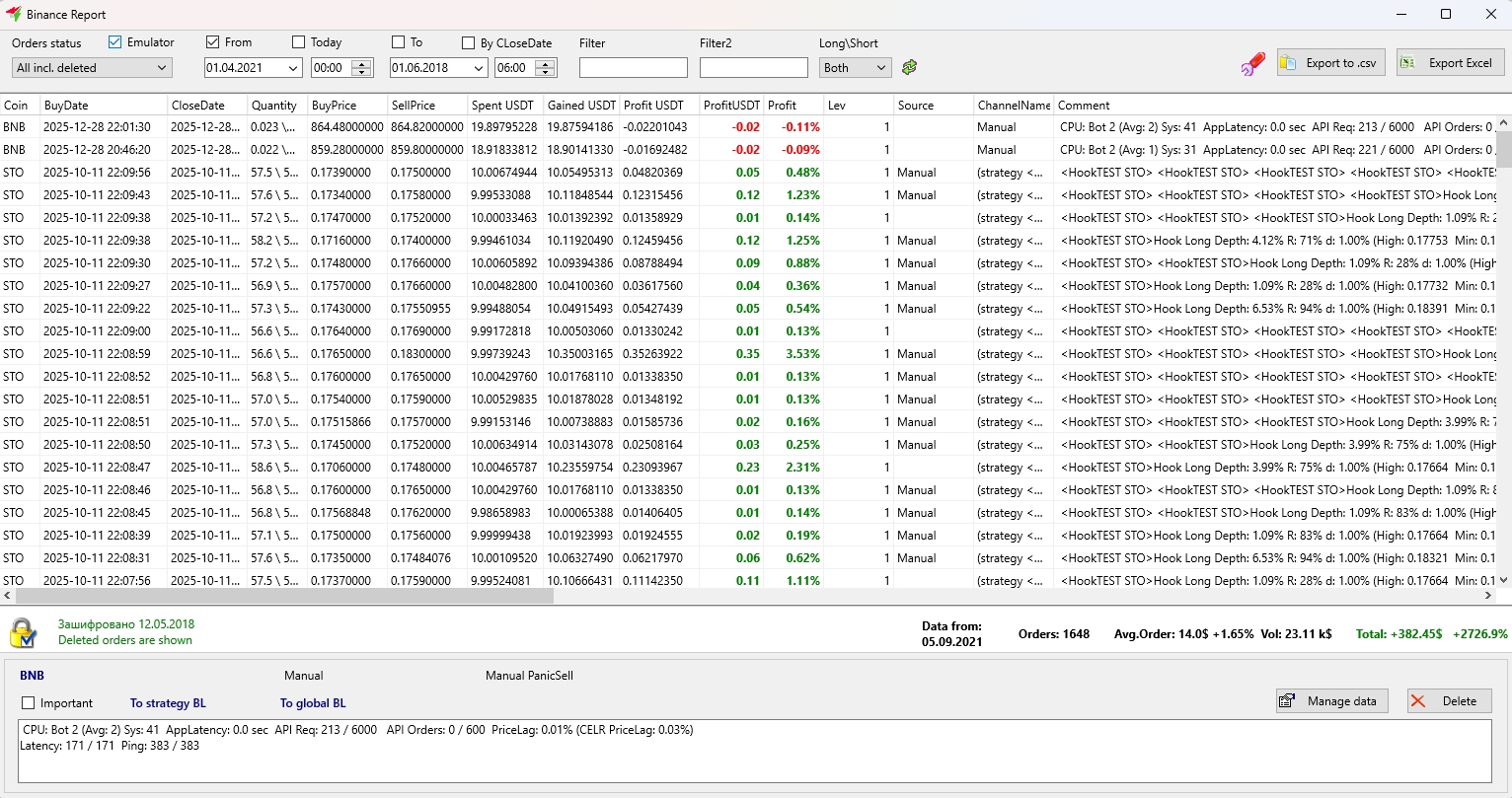
Reports Window
To display a separate reports window, click the Reports button in the control panel for detectors, strategies, reports, and markets on the main screen. If you are connected to Binance, for example, the window title will display Binance Report. For other exchanges, the title will include their name followed by the word Report. This makes it easy to identify which exchange's report you are viewing.
Such reports in the form of screenshots are often shared in Telegram channels, allowing users to immediately determine on which exchange the trades were executed.